
In today’s digital world, security is more important than ever. With the constant threat of bots and spammers, website owners need a reliable way to protect their online assets. That’s where CAPTCHA comes in. But with so many CAPTCHA providers out there, how do you know which one is the best fit for your needs?
In this article, we’ll take a closer look at the top 5 CAPTCHA providers in 2023: Google reCAPTCHA, hCaptcha, ProCaptcha, Fast Captcha, and Solve Media. We’ll dive into their features, pricing, and pros and cons to help you make an informed decision. So, let’s get started!
Overview of Software Providers
There are many CAPTCHA software providers available on the market; however, we’ve narrowed down the top five to Google reCAPTCHA, hCaptcha, ProCaptcha, Fast Captcha, and Solve Media. Each of these providers employs a unique approach to CAPTCHA, which we’ll explore in detail in the following sections.
Google reCAPTCHA
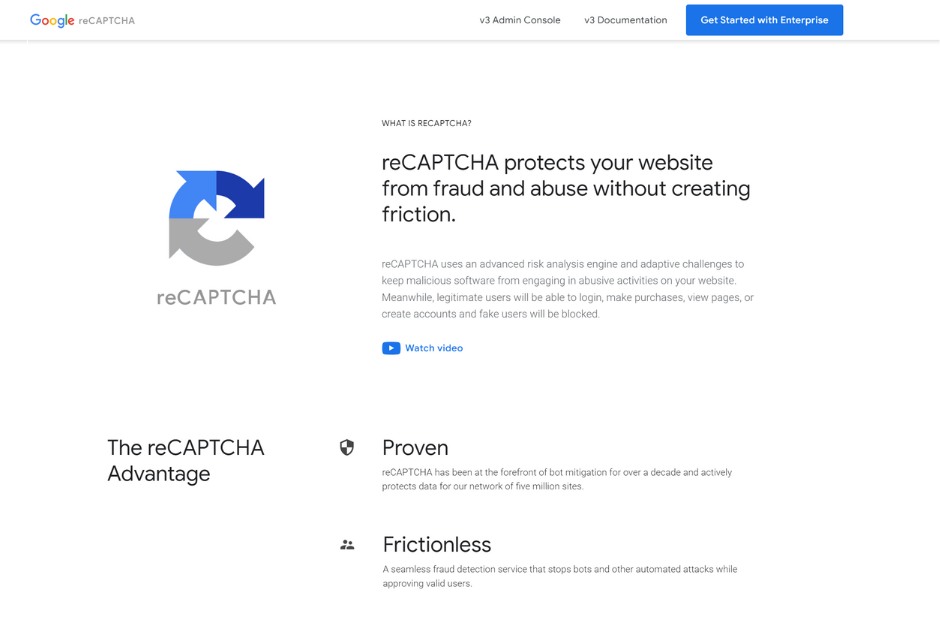
Google’s reCAPTCHA is by far the most popular CAPTCHA software on the market, and for good reason. The software is extremely accurate and effective in identifying bots while maintaining a high degree of user-friendliness. Additionally, Google’s reCAPTCHA is free to use, making it an attractive option for businesses of all sizes.
There are three different versions of reCAPTCHA available, each designed to suit specific needs:
- reCAPTCHA Enterprise: Provides a frictionless user experience where fraud protection is easily extended across websites. It is customizable and enterprise-ready with easy API-based integration.
- Features include:
- Created based on experience defending millions of sites for over a decade
- Allows verification of interaction without any user interaction
- Company-specific risk models with enhanced risk scoring
- Features include:
- reCAPTCHA v3: Verifies requests with a risk score and gives the ability to take action in the context of the site.
- Features include:
- Free up to 1 million assessments per month
- Verify users with the “I’m not a robot” checkbox or a click with Invisible reCAPTCHA
- High precision risk scores
- Features include:
- reCAPTCHA v2: Verifies if an interaction is legitimate with the “I am not a robot” checkbox and invisible reCAPTCHA badge challenges.
- Features include:
- Free up to 1 million assessments per month
- Verify users with the “I’m not a robot” checkbox
- Limited customization
- Features include:
In terms of features, reCAPTCHA Enterprise offers the most comprehensive protection. It allows for company-specific risk models with enhanced risk scoring, while also being enterprise-ready with easy API-based integration. reCAPTCHA v3 and v2 offer limited customization but are still effective at detecting and stopping bots and automated attacks.
Regardless of the version you choose, reCAPTCHA is an essential tool for protecting your website from online abuse. By using advanced algorithms and adaptive challenges, reCAPTCHA blocks malicious software from engaging in abusive activities on your site, while still allowing legitimate users to access and interact with your website without any disruption.
hCaptcha
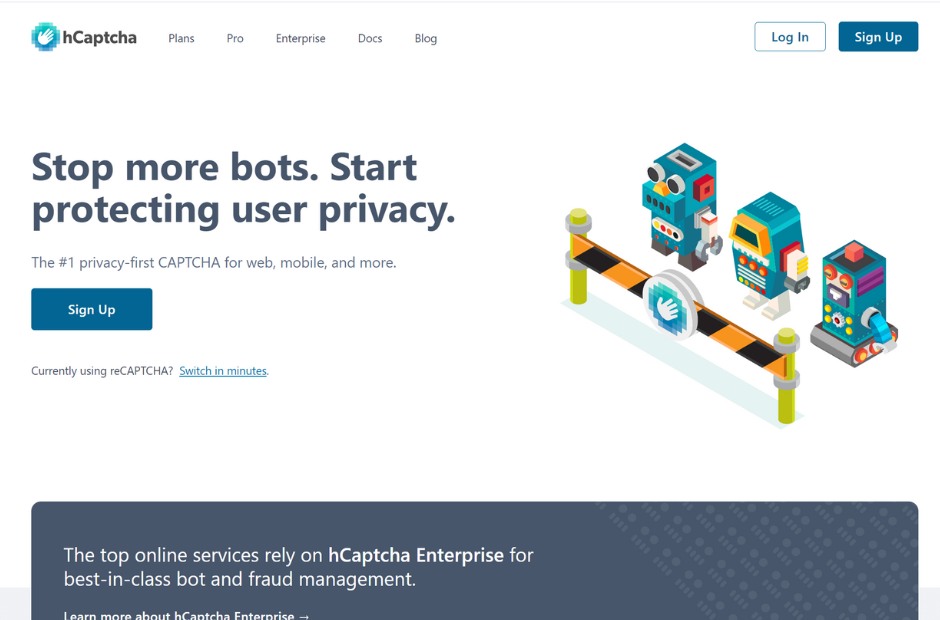
hCaptcha is a relatively new player in the CAPTCHA market that has gained popularity through its simple and intuitive user interface. The provider’s unique approach to CAPTCHA involves using a machine learning model to identify and classify users based on their behavior, rather than forcing users to solve a puzzle or enter random text.
hCaptcha’s approach to CAPTCHA makes it highly effective in fighting bots while maintaining maximum user-friendliness. The software also provides detailed analytics that can help website owners better understand their users. However, hCaptcha’s biggest drawback is its price – at $1 per 1,000 solved CAPTCHAs, it’s one of the more expensive options on the market.
ProCaptcha
ProCaptcha is a stand-alone CAPTCHA software that can be installed on your website without any external dependencies. The software is relatively simple to install and configure, making it an attractive option for website owners who lack technical skills.
One of the downsides of ProCaptcha is that it’s not as effective in identifying bots compared to other software providers. Additionally, the software’s user interface can be confusing for some users, which can lead to a drop in user engagement.
Solve Media
Solve Media is a unique CAPTCHA software that replaces traditional puzzles or text with a branded, interactive question. Users have to engage with the question to prove they’re human, which can lead to higher user engagement and potentially even drive revenue for advertisers.
One of the drawbacks of Solve Media is that it’s not as effective in identifying bots compared to other software providers. Additionally, some users may find the interactive questions to be overly distracting or even frustrating.
Comparison of Software Providers
When choosing a CAPTCHA software provider, it’s essential to weigh the pros and cons of each option. While each of the providers we’ve discussed has its advantages and disadvantages, some are better suited for specific use cases than others.
Google’s reCAPTCHA remains the most popular software on the market, offering an excellent balance of effectiveness and user-friendliness. hCaptcha is a more expensive option but provides detailed analytics and is highly effective in identifying bots. ProCaptcha and Fast Captcha are free and straightforward options, but they may not provide adequate security for high-traffic websites.
The Future of CAPTCHA
As technology continues to evolve, CAPTCHA software providers must adapt to keep up with the latest security threats. One significant trend in CAPTCHA is the integration of artificial intelligence and machine learning. This approach can help software providers better identify bots and ensure maximum security while minimizing user friction.
Conclusion
In conclusion, the best CAPTCHA software provider for your website will depend on many factors, including your user base, website traffic, and budget. When choosing a provider, consider the balance between effectiveness and user-friendliness, as well as cost. Keep in mind that, while CAPTCHA can be a nuisance, it’s a crucial element of web security that protects websites and users from malicious attacks.